
Cash Posting - Partial Payment
Cash Posting in xRMS allows you to apply a partial payment against a customer's open invoice. This article walks through selecting the customer, entering the check number and amount, entering the partial payment amount on the invoice, and posting it — leaving the invoice open with the remaining balance.
Adding Partial Payment
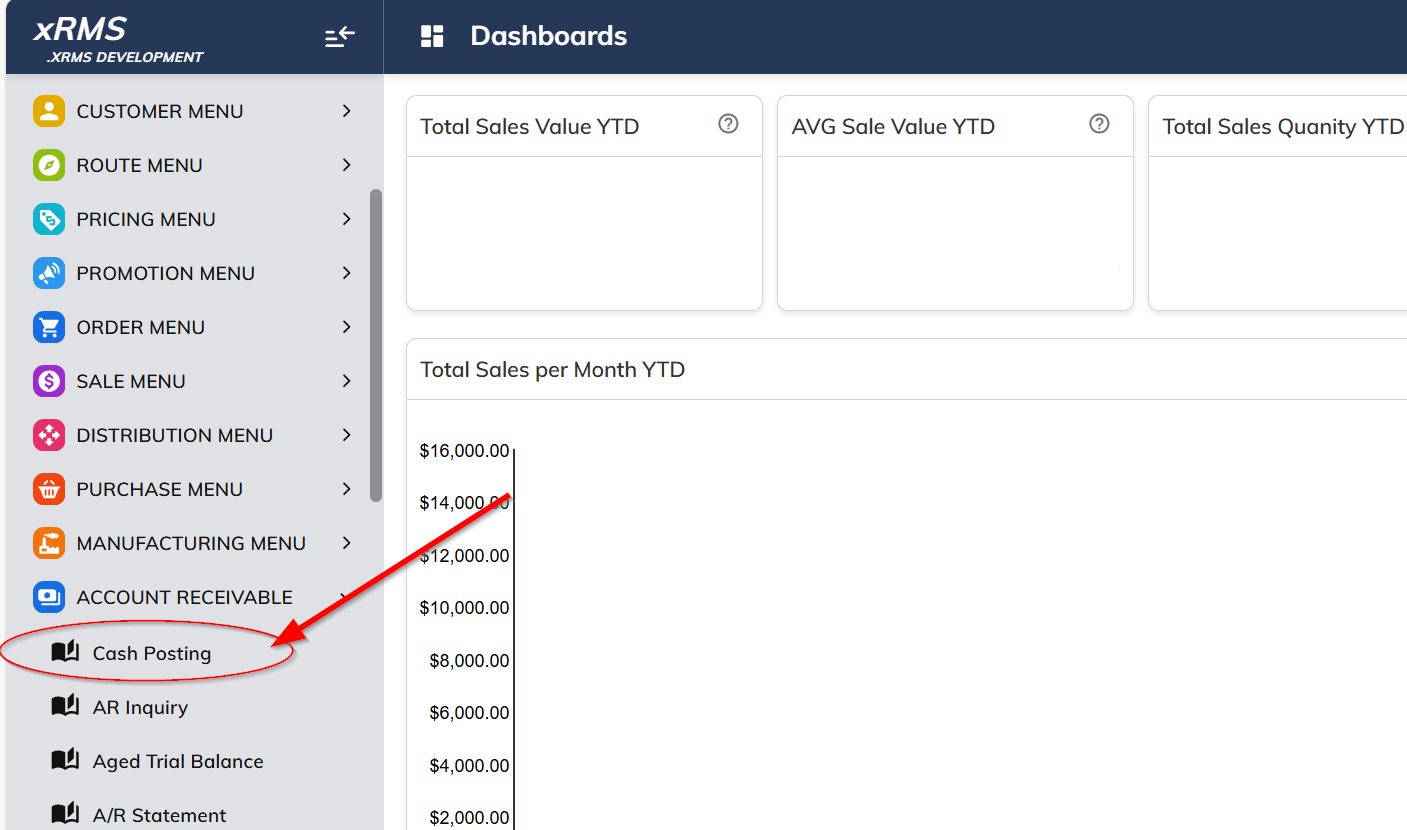
Select the Cash Posting link under the Accounts Receivable menu option.
Enter the Customer and Chain number to apply the payment.
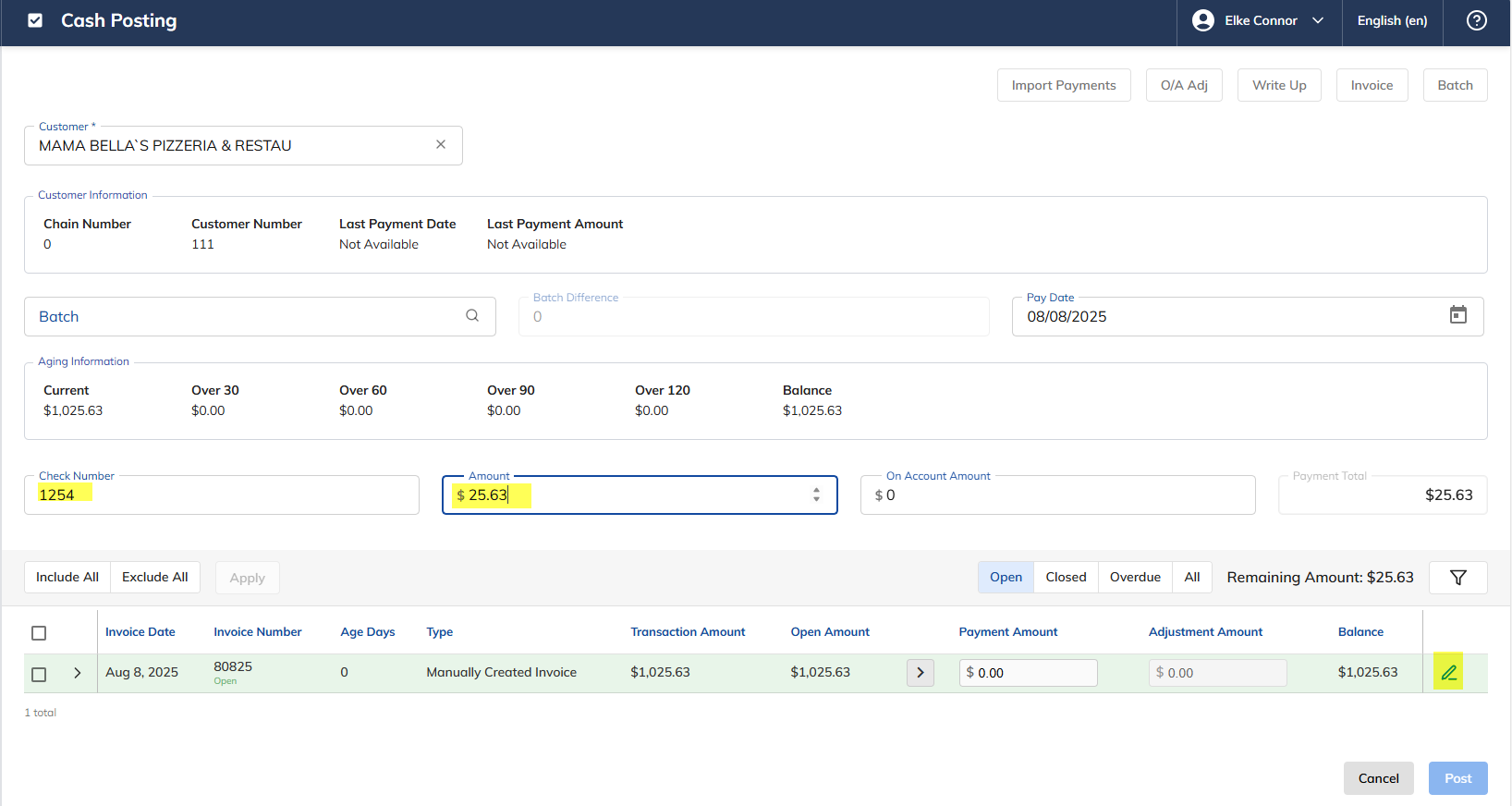
Enter the Check Number.
Enter the Amount.
Select the Pencil icon.
The following page will display:
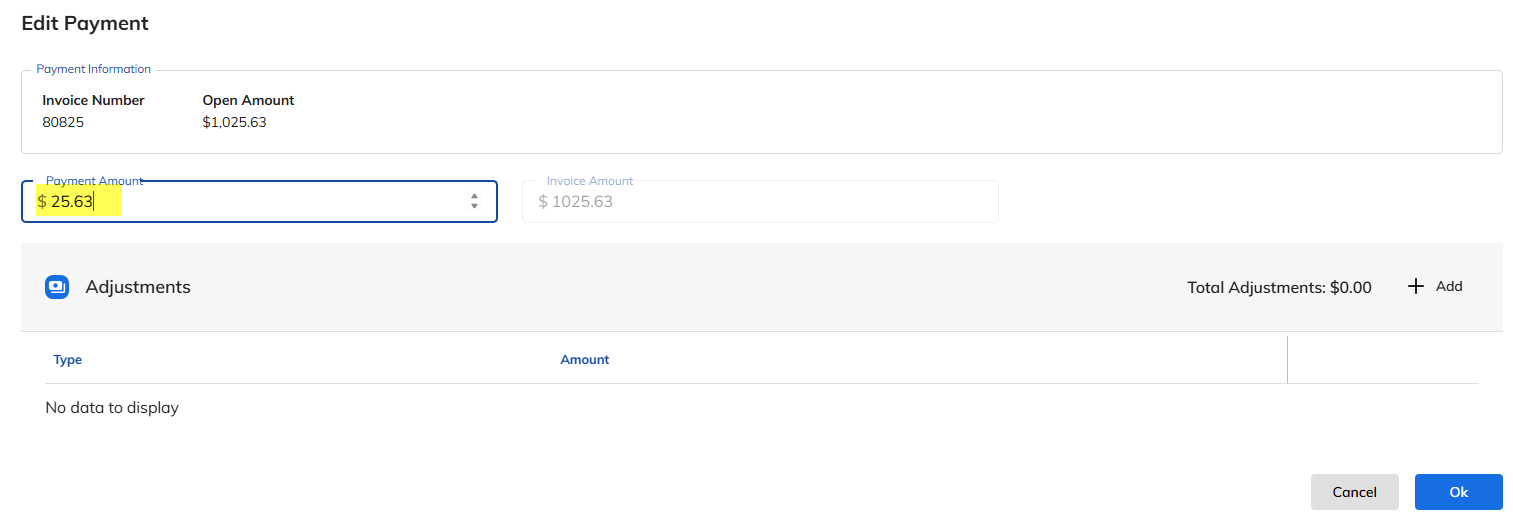
Enter the Payment Amount.
Click Ok.
The following screen will display:

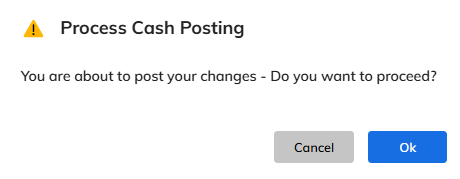
Click Post to apply the payment. The following screen will appear.
Click Ok to process the transaction.

The invoice remains open with the remaining balance.