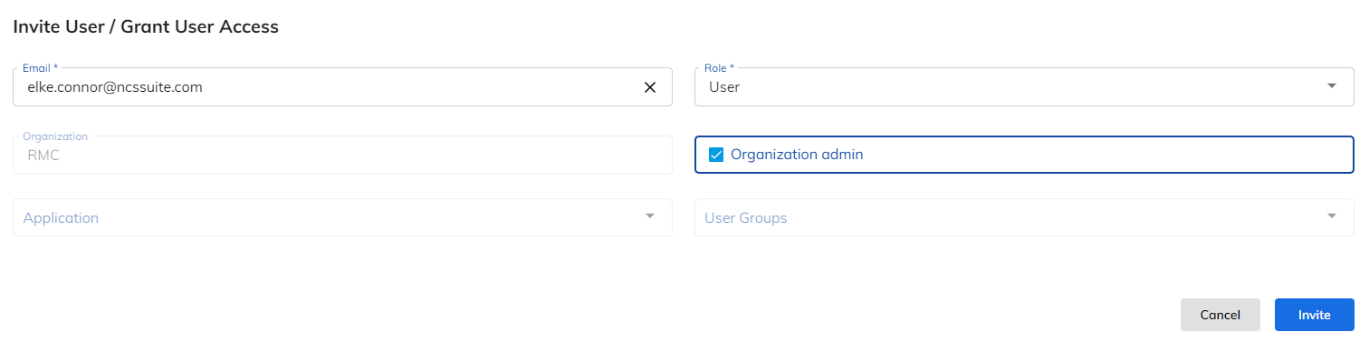
Create an XRMS User
This article describes how a customer creates an XRMS user for their company. The process begins when the user receives a registration link, registers as a new user, and is then invited and assigned a role by NCS so they can access XRMS.
How to Create an XRMS User
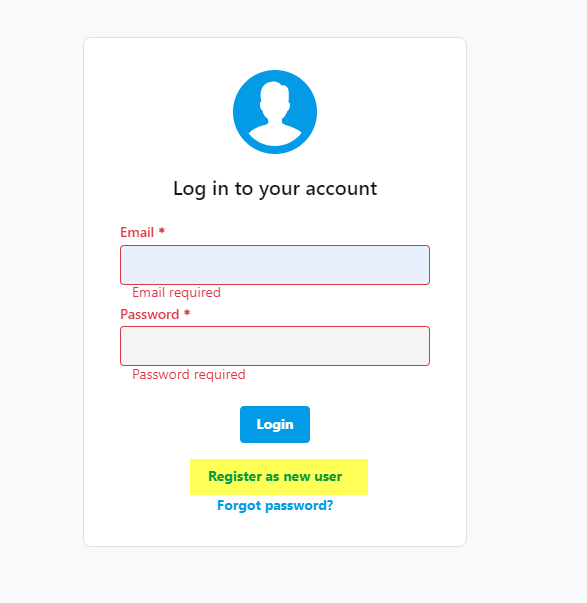
Once the user has been sent the link, they will see the screen below when clicking on the link. The user should select Register as New User.
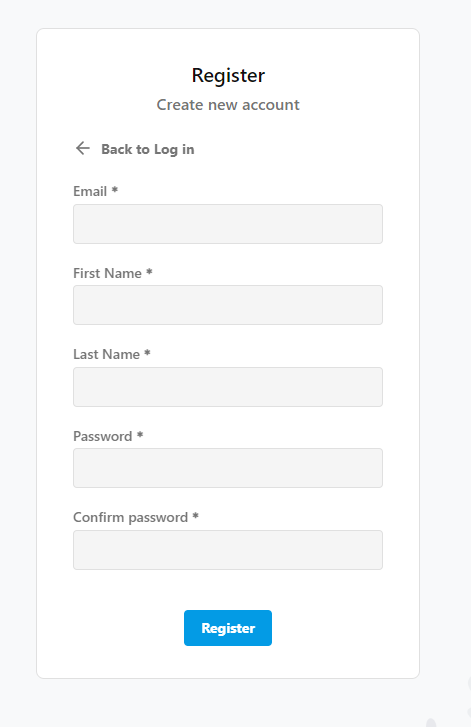
Once Register as a New User has been selected, the following screen will display. The user then enters the following information and selects Register:
Email Address
First Name
Last Name
Password
Confirm Password
Upon hitting Register, the user will either contact NCS saying they are registered, or an NCS contact will see that user's email address listed and can then complete the registration.
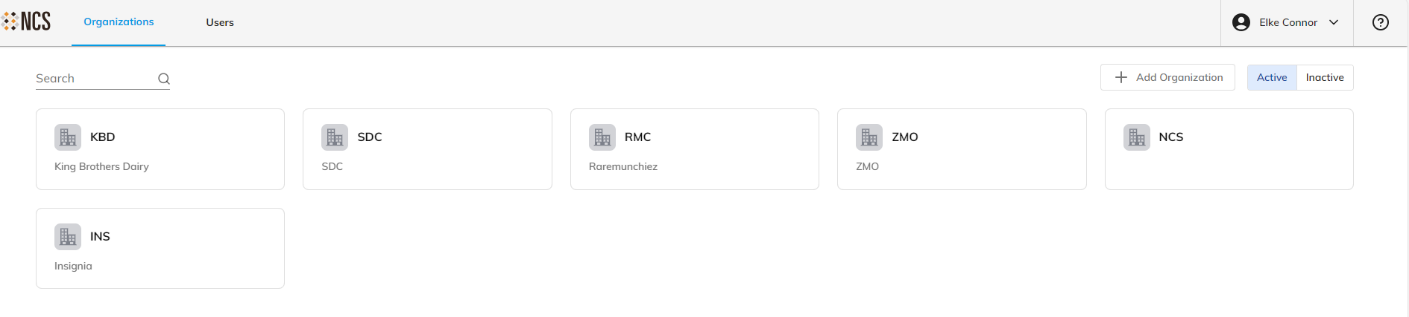
Once the user has registered, NCS will go to the Organization list and select the company.
Once the company is selected, the following screen appears allowing the user to be Invited.
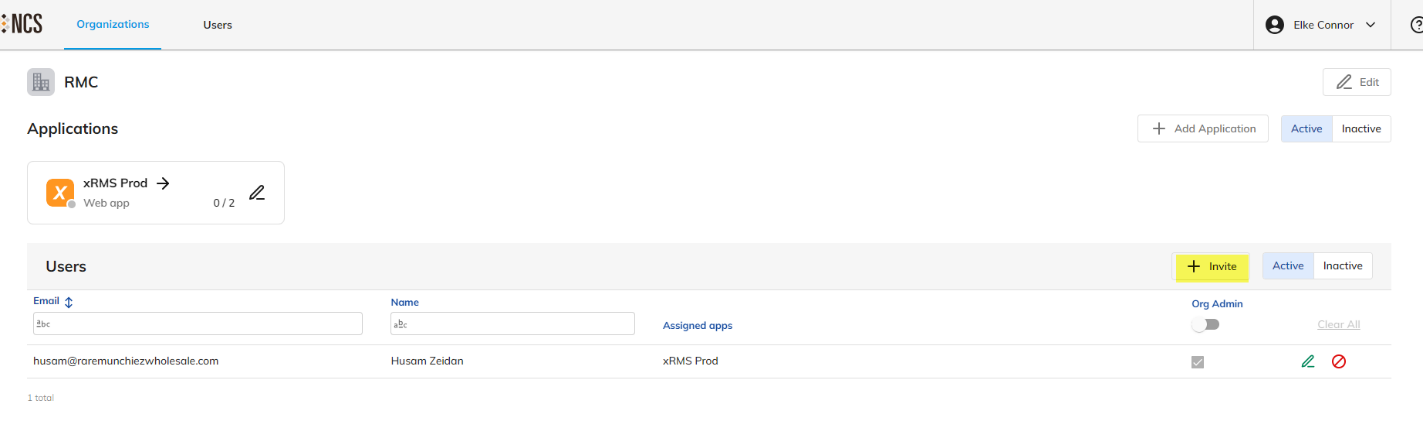
Once Invite has been selected, the following screen appears allowing you to select the following:
Select their email address from the list.
Select their role — User or Super Admin.
Select Organization Admin.
Once this has been completed, press Save. The user is now registered and has access to XRMS.