
Item List by Vendor Group
This article shows how a user can produce an Item List by Vendor Group in xRMS. The report can be filtered by vendor and product group, or run for all vendors and all product groups.
Item List by Vendor Group
Select the Item List by Vendor Group link under the Item Menu menu option.
Select the Vendor, or leave blank for all Vendors.
Select the Product Group, or leave blank for all Product Groups.
Select Preview.
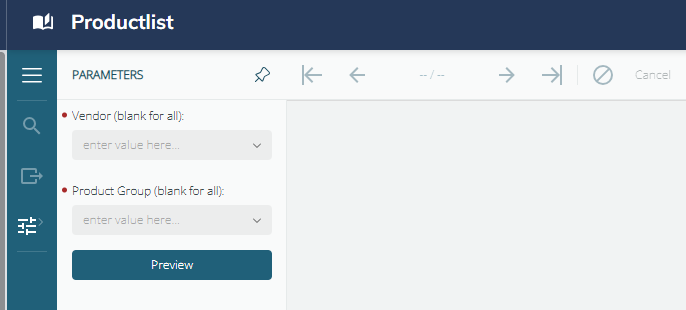
Once Preview is selected, the following list prints:
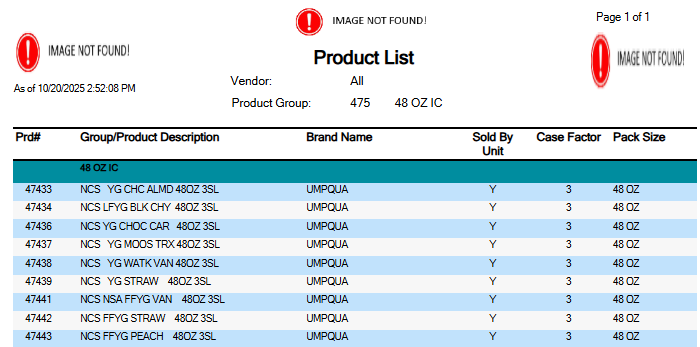
The Item List by Vendor Group gives the following details:
The page number and the total number of pages.
The date and time the report was printed on.
The Vendor Number or All Vendors.
The Product Group or All Product Groups.
The Product Description.
The Brand Name.
The Sold by Units.
The Case Factor, which is the units per case.
The Pack Size.