
Item List by Item
The Item List by Item report in xRMS generates a list of items for a selected item range. This article describes how to run the report by choosing a From Item and To Item and previewing the results.
Item List by Item
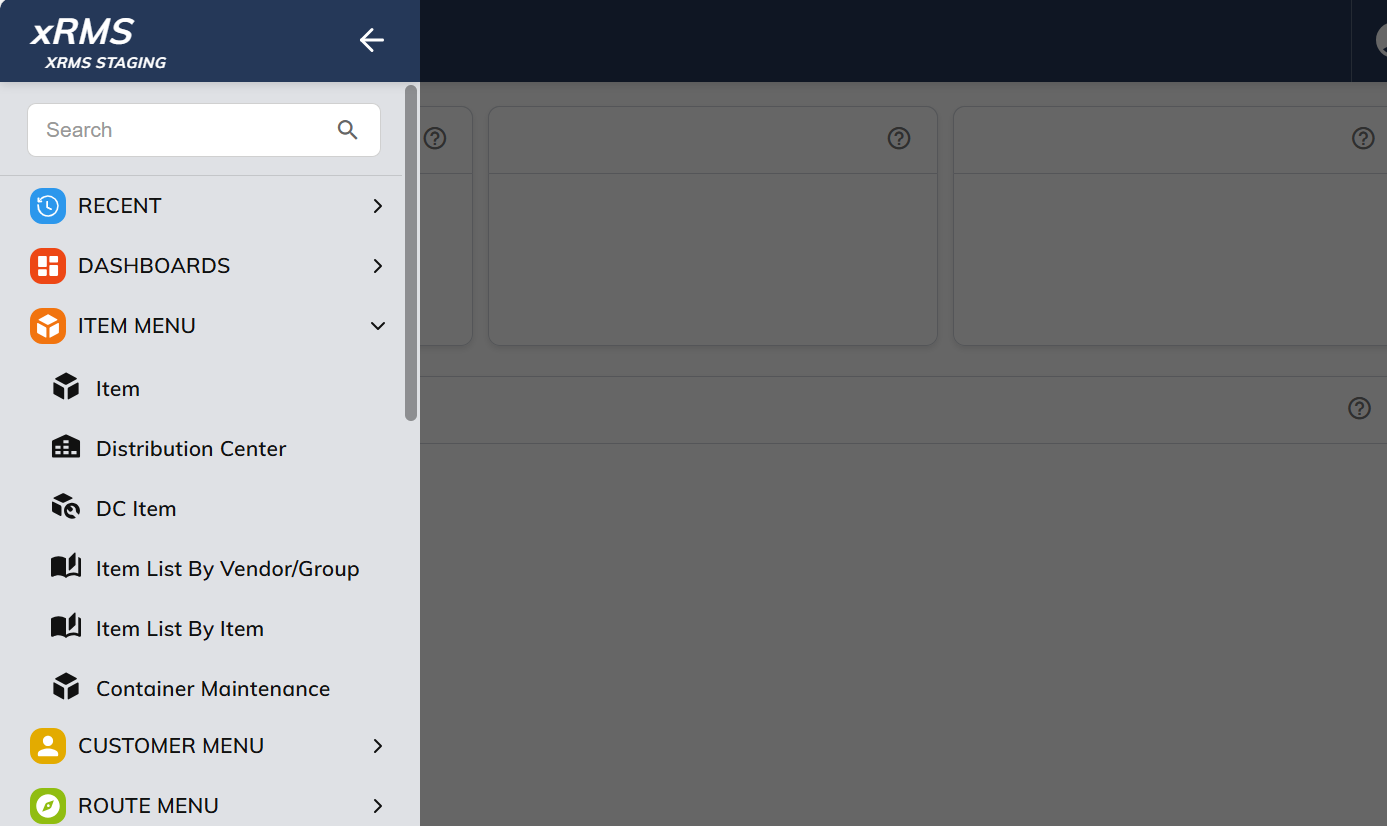
Select the Item List by Item link under the Item Menu menu options.
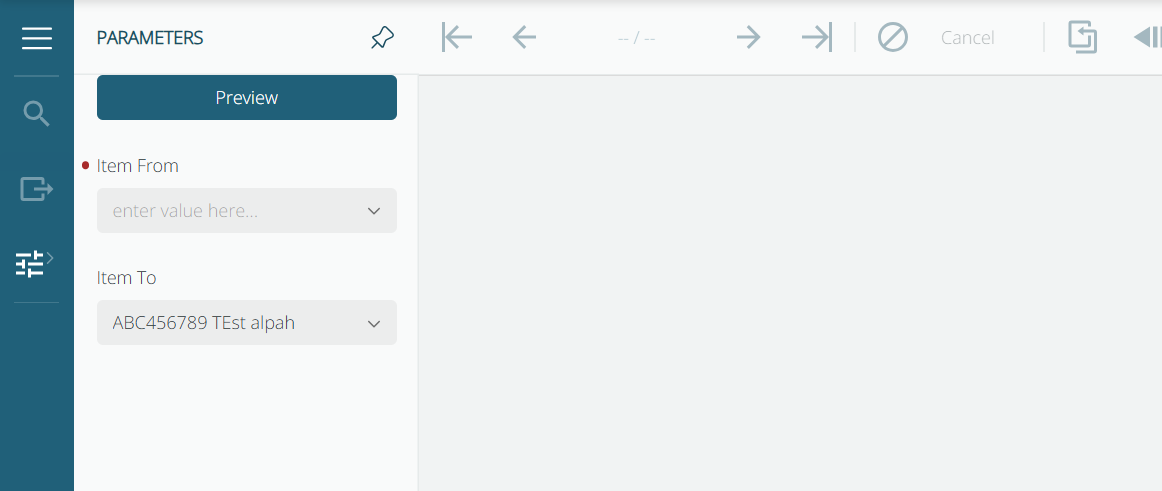
Select the From Item.
Select the To Item. The default is the last item in the item file.
Select Preview.
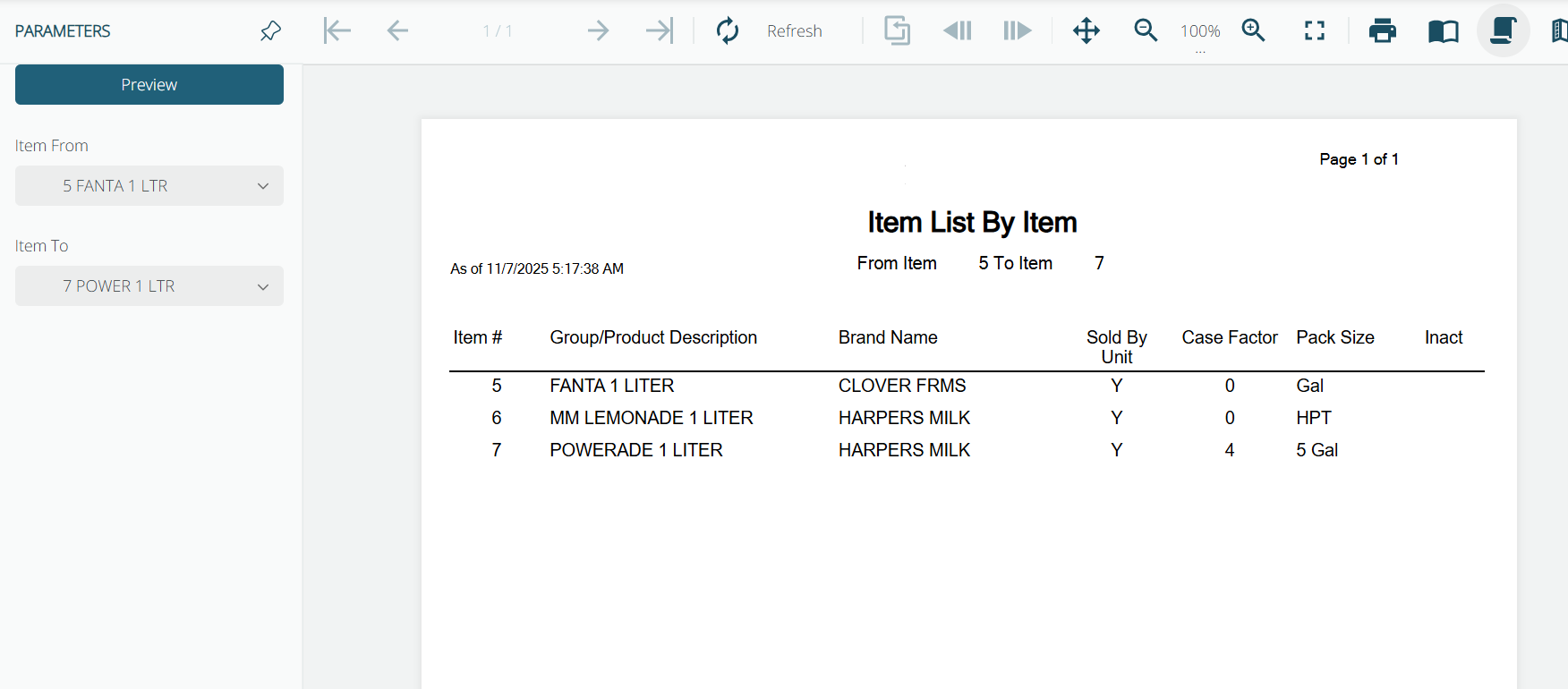
This Item List prints the following:
Amount of pages
The date the report was printed on
The item range the user selected
The Item Number
The Item Description
The Brand Name
The Sold by Unit (Yes or No)
The Case Factor
The Pack Size
Inactive (Yes or No)