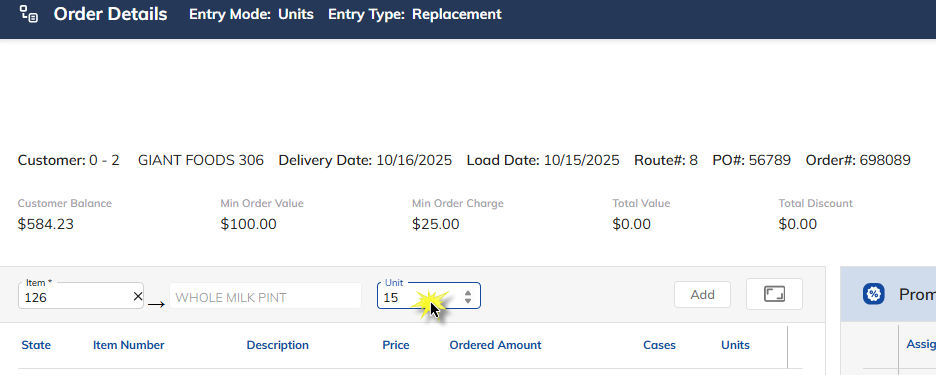
Order Entry - Entry Methods
This article describes the process of entering an order using the various methods of entry: cases, units, decimal point, and cases and units. The entry method is defined in System Control Maintenance and then applied in Order Entry.
System Control – Define the Method of Entry for Order Entry
Select the System Menu menu option.
Select System Control Maintenance.
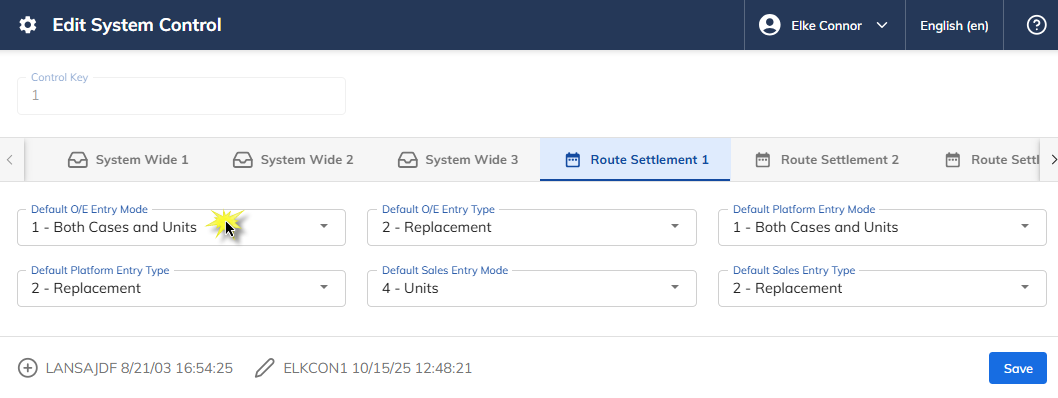
Select the Route Settlement 1 tab.
Select Default O/E Entry Mode.
Select one of the following:
"1" – Both Cases and Units
"2" – Cases
"3" – Decimal Point
"4" – Units
Once a selection has been made, press Save.
Order Entry Methods
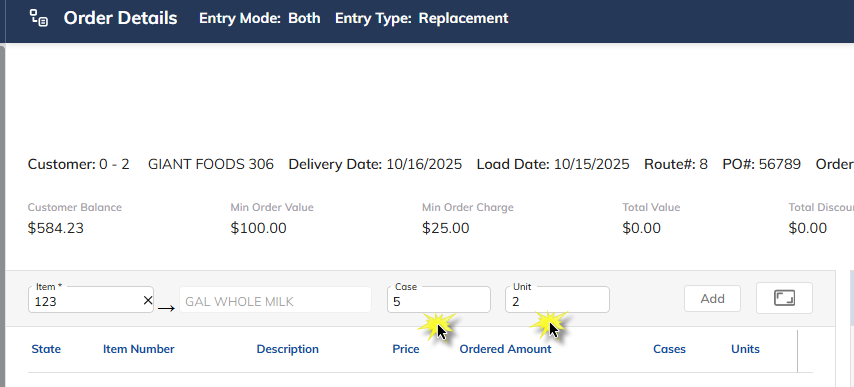
Both Cases and Units
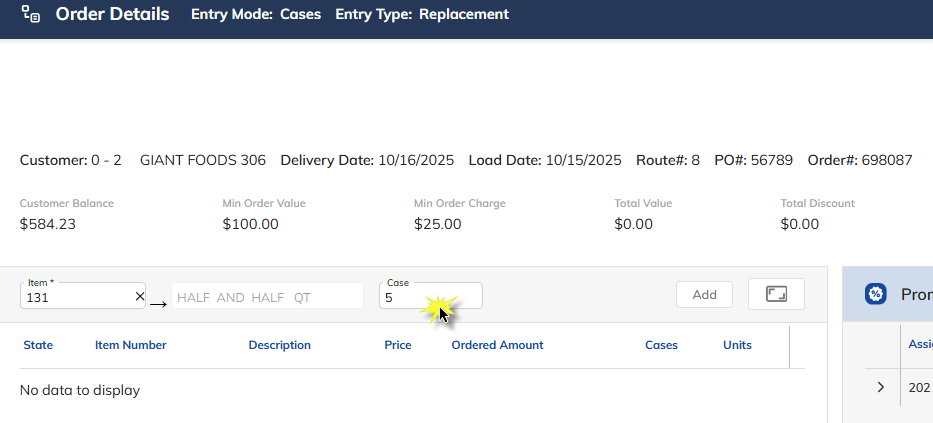
Cases (Cases Only)
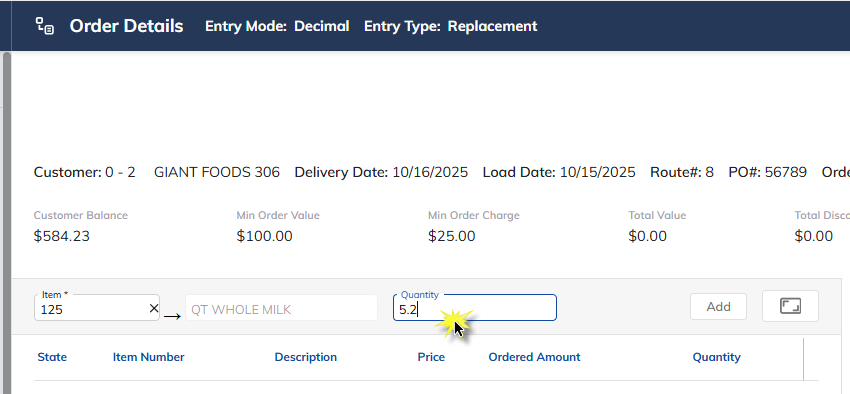
Decimal Point
The decimal point indicates Cases to the left of the decimal and Units to the right of the decimal.
Units (Units Only)