Setting up Contact Name and Phone Call Queue
This article shows how to set up the Contact Name and Phone Number for the Call Order Queue in xRMS, using the Address tab in Customer File Maintenance so the contact details appear when calling the customer.
Setting up Contact Name and Phone Number for Call Order Queue
Once in Customer File Maintenance, select the Address tab.
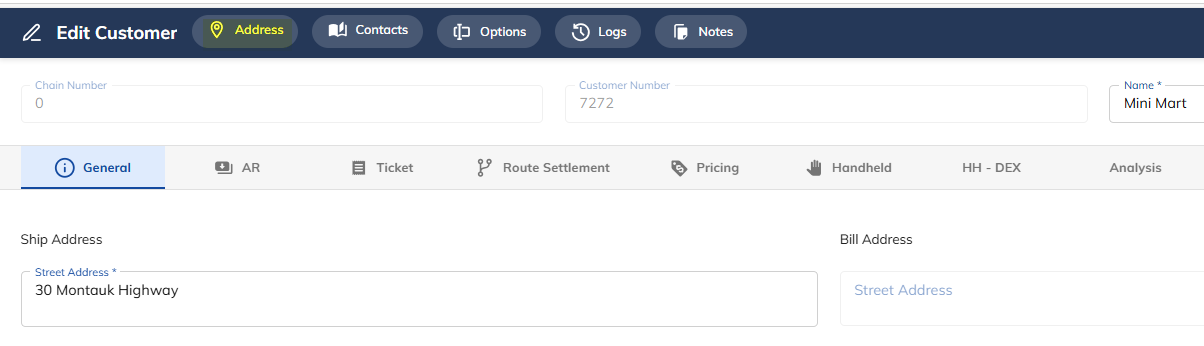
Click on the Sold To Address record shown.

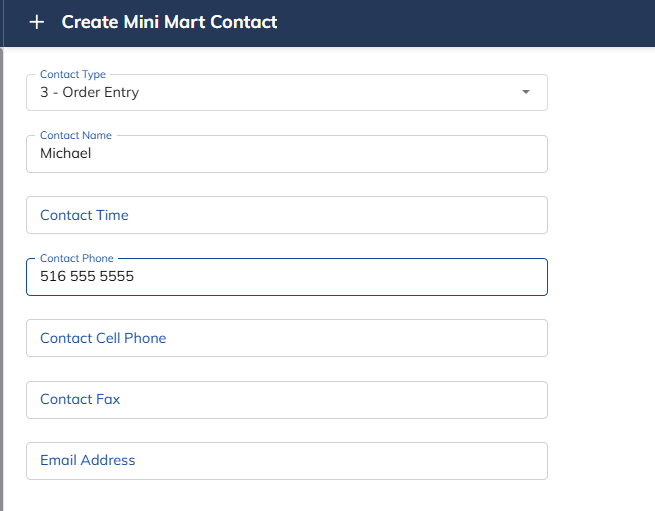
Select Add.

Select Contact Type 3, Order Entry, enter the Contact Name and Contact Phone Number, and press Save.
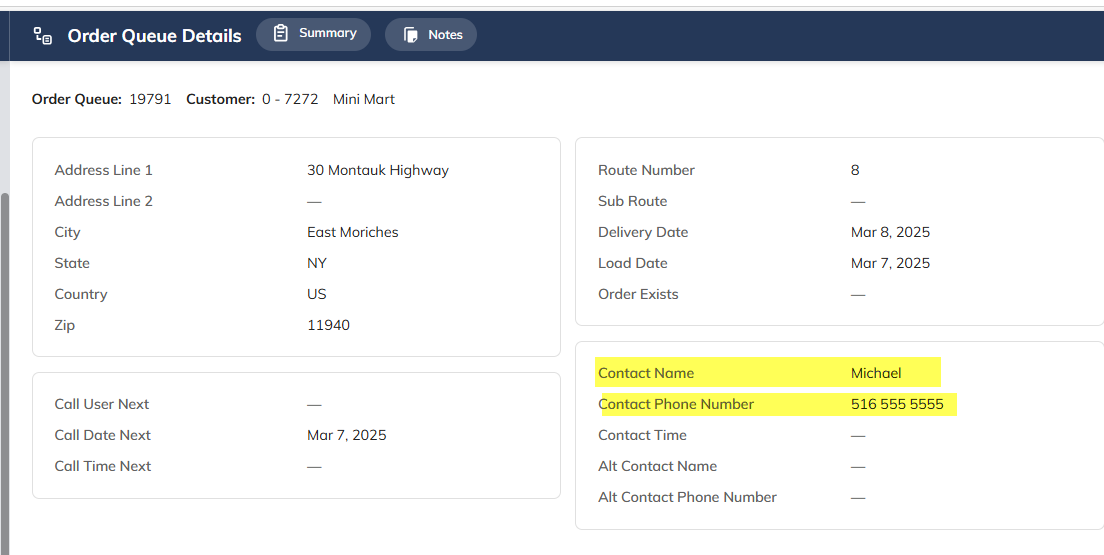
Sample as it appears on the Order Queue: