
Update Orders to Loads
This article shows how to update orders to loads in xRMS. The process groups orders onto loads for a chosen load date, refined by distribution center, route, customer, order, or trailer.
Update Orders to Loads
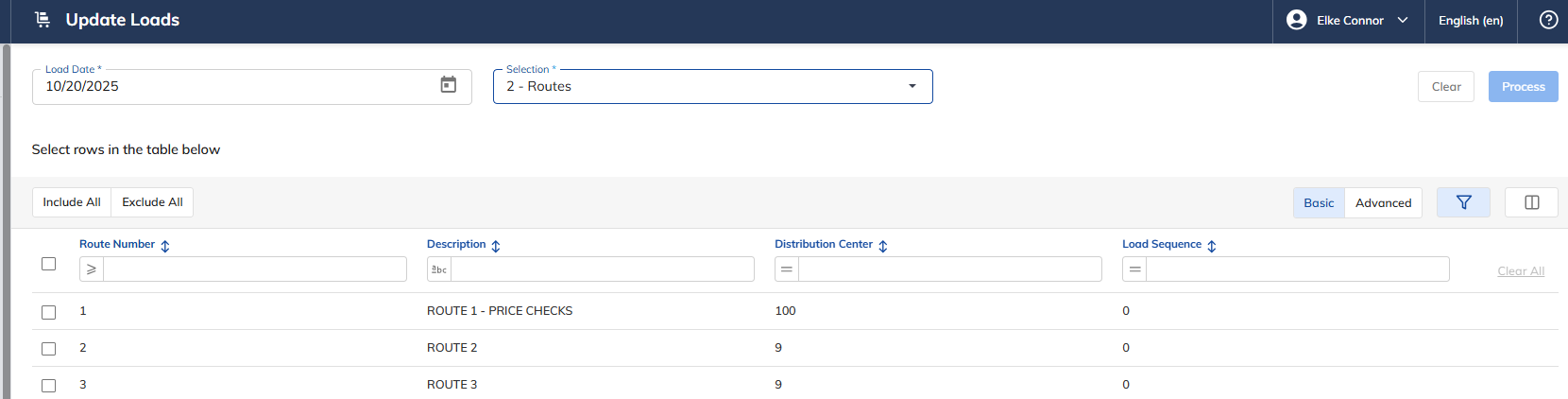
Select the Update Orders to Loads link under the Order Menu menu option.
Select the Load Date to update.
Select how to update — choose one of the following:
"1" – Distribution Centers
"2" – Route
"3" – Customer
"4" – Order
"5" - Trailer
Choose one of the following:
Include All – based on the selection above.
Select Individuals – based on the selection above.
Exclude All – to restart the selection process.
Select Process to update the Loads.
Once the process is complete, the Update Loads – Result will appear on the screen.
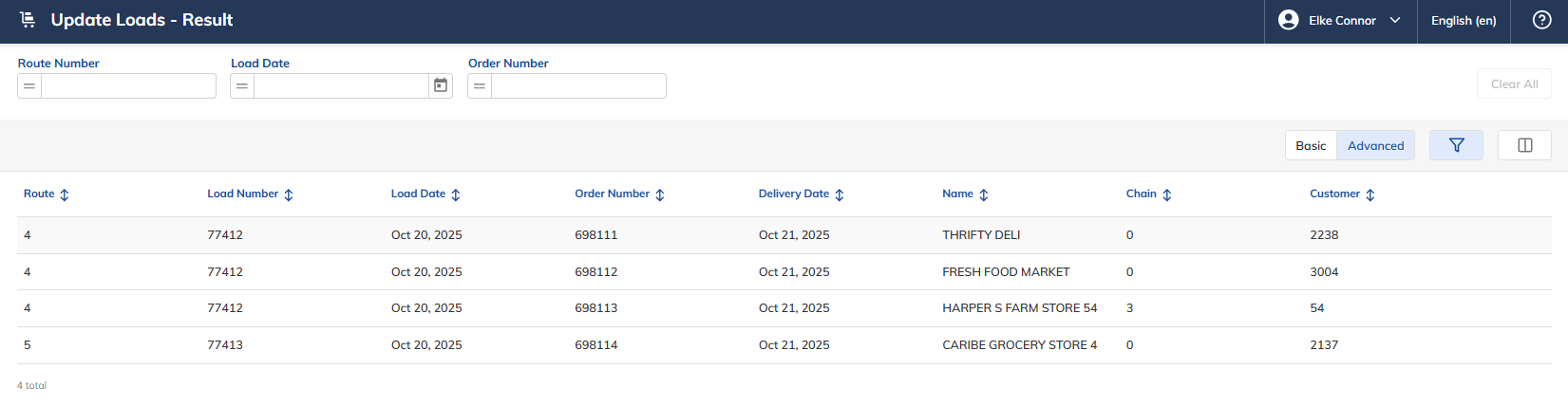
The Update Loads – Result screen displays the following information:
The Route Number.
The Load Number.
The Load Date.
The Order Number.
The Delivery Date.
The Customer Name.
The Chain Number.
The Customer Number.